GUIDE · 12 October 2026 · 6 min read
How to open a Bynix account and verify it in 30 seconds
Open a Bynix account with email, password, and OTP, then complete quick KYC with an ID photo and selfie. Learn what you can do before and after verification.

Start with registration
Opening a Bynix account is simple: you need an email address, a strong password, and a few seconds for OTP confirmation. If you are in Bangladesh, India, Pakistan, Nigeria, Brazil, Latin America, Europe, or anywhere else, the flow is the same: create your login, confirm it, and you are ready to explore the platform.
The fastest way to begin is here: register.
Step-by-step account creation
- Go to the registration page.
- Enter your email address.
- Create a strong password.
- Check your inbox for the OTP code.
- Enter the OTP to confirm your account.
- Log in and open the dashboard.
That is the basic setup. In most cases, you can enter the platform immediately after email verification and start looking around.
What you can do before verification
Before KYC, you can:
- Explore the interface and learn where everything is.
- Open the free demo account.
- Check the market list, chart tools, and expiry options.
- Practice CALL and PUT trades without risking real funds.
The demo is ready right away and comes with a free $10,000 balance that you can top up any time. If you want to practice first, go here: demo account.
Verify your account in about 30 seconds
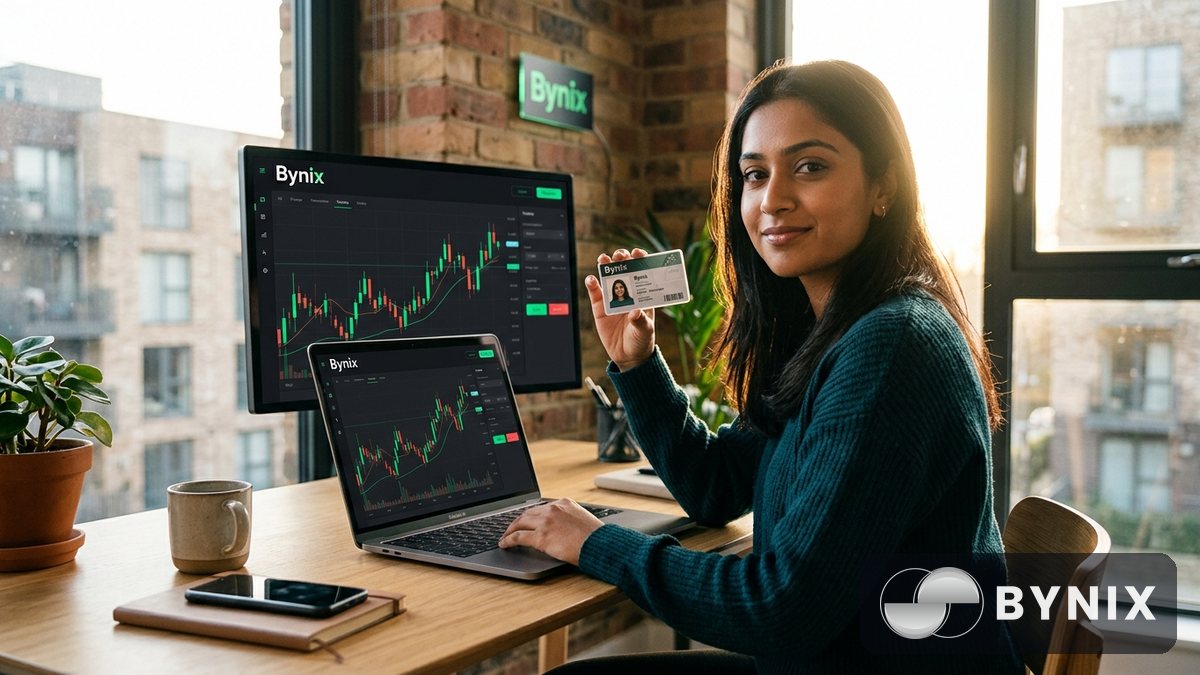
Bynix uses a fast KYC flow so you can unlock deposits, withdrawals, and full account access quickly. The process is simple: upload an ID photo and take a selfie when prompted.
The 30-second KYC flow
- Open the verification section in your account.
- Choose your document type.
- Upload a clear photo of your ID.
- Take a live selfie.
- Submit and wait for confirmation.
If your document and face photo are clear, verification can finish in about 30 seconds. That makes it easy to move from demo practice to live trading without a long delay.
Before verification vs after verification
Before KYC, you can focus on learning and testing. After KYC, you can:
- Make real deposits.
- Request withdrawals.
- Access the full account flow more smoothly.
- Use the platform with a verified profile.
For traders who want to go further, you can also explore funded trading later through funded accounts.
Tip: Use the same name on your account and ID document, and make sure the photo is bright and sharp. Most verification delays come from blurry uploads, cropped documents, or mismatched details.
Set up security the right way
A fast registration is useful, but account security matters just as much. If you trade from a phone in Dhaka, a laptop in Lagos, or a desktop in São Paulo, the basics stay the same: protect your login and keep your account details private.
Security checklist
- Use a strong password with a mix of letters, numbers, and symbols.
- Never share your password or OTP with anyone.
- Enable 2FA if it is available on your account.
- Use a private email account that only you can access.
- Log out from shared devices.
- Double-check the website address before entering details.
A secure login is especially important if you plan to trade frequently or manage more than one device. Bynix also offers a desktop terminal in the browser and mobile access, so you can keep your workflow simple without exposing your credentials.
Why the free demo is useful
The free demo is not just for beginners. It is useful if you want to:
- Test a new strategy.
- Practice different expiry times, from 5 seconds up to 1 day.
- Try chart settings and indicators before going live.
- Get familiar with the platform on mobile or desktop.
You can top up the demo balance whenever you want, which makes it practical for ongoing practice.
Deposits, trading access, and common mistakes to avoid
Once your account is verified, you can fund it and start live trading. Bynix supports several payment methods live today, including bKash and Nagad in Bangladesh, and crypto options such as USDT, USDC, Bitcoin, Ethereum, BNB, TRON, Litecoin, and Binance Pay. Deposits are credited instantly, and withdrawals are processed automatically in about 30 seconds.
A simple live-trading path
- Complete registration.
- Verify your account.
- Add funds using a supported payment method.
- Choose a market.
- Select CALL or PUT.
- Pick your expiry.
- Confirm the trade.
You can trade 140+ OTC markets that are open 24/7, including forex majors, crosses, and exotics, crypto anchored to live CoinMarketCap prices, gold, silver, oil, commodities, indices, and US stocks.
Common mistakes that slow people down
- Entering the wrong email during registration.
- Missing the OTP email or checking spam too late.
- Uploading a blurry ID photo.
- Using a selfie with poor lighting.
- Signing up with a weak password.
- Trying to withdraw before completing KYC.
- Rushing into live trades without first using the demo.
If you prefer to learn by doing, the platform gives you enough room to practice first and then move into live trading when you are comfortable.
A quick way to get started with Bynix
If you want the shortest path, it looks like this: register with email and password, confirm your OTP, complete the quick KYC, and then decide whether to stay on demo or fund the account. The full process is designed to be simple, especially for traders who want a clean mobile-first or browser-based setup.
You can also check the affiliate programme if you plan to share Bynix with your audience or community: affiliate programme.
For traders who like structure, the combination of a fast signup, instant demo access, and quick verification makes it easy to get organized before risking real money. Take your time, learn the platform, and build a routine that fits your schedule.
Binary options trading involves risk, and you may lose the amount invested. Trade carefully and only use money you can afford to risk.