GUIDE · 11 October 2026 · 6 min read
How to open Bynix account and verify am in 30 seconds
See how you fit open Bynix account, do quick KYC, and start with free demo sharp sharp. Na simple steps, plus security tips and common mistakes to avoid.
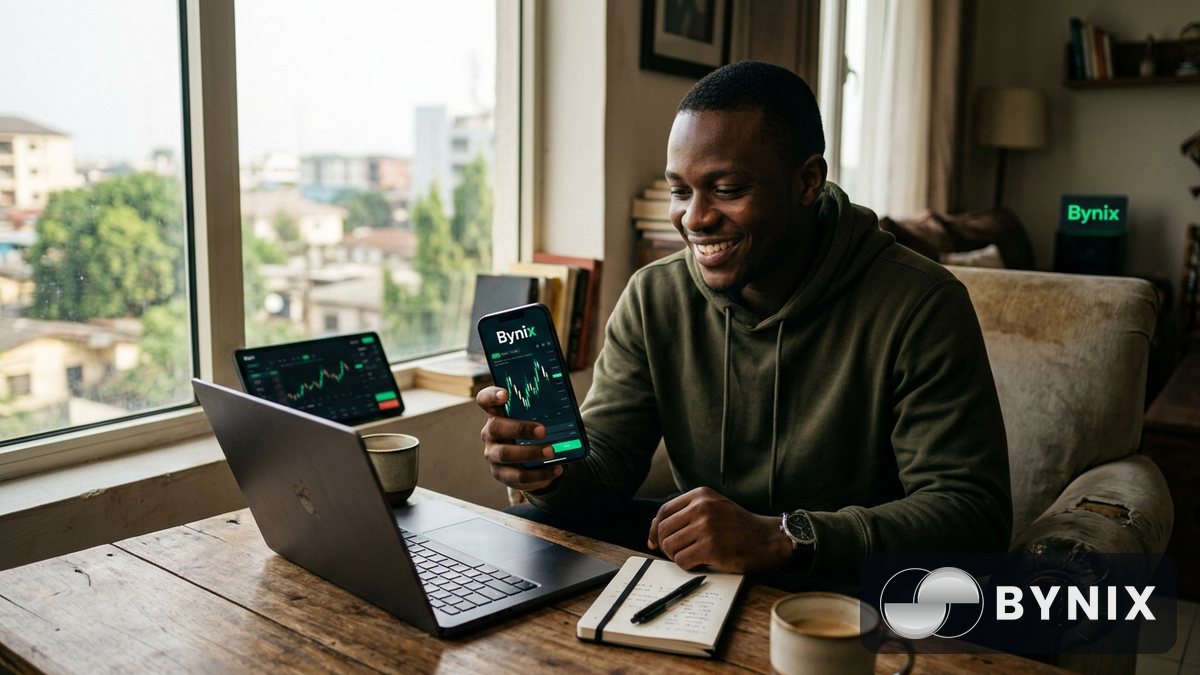
If you dey look how to enter Bynix sharp sharp, this guide go show you the full waka from registration reach KYC verification. E no hard at all: email, password, OTP, ID photo, selfie, then you ready to trade. And if you still dey fear to jump in, the free $10,000 demo account dey ready immediately once you register.
Wetin you need before you start
Before you open account, make sure say you get these things ready:
- Correct email address wey you dey use well well
- Strong password wey nobody fit guess
- Valid government ID for KYC
- Clear selfie with correct light
- Stable network, so OTP and upload no go stress you
If you dey Nigeria or Ghana, you fit fund account with USDT (TRC-20) or Binance Pay. Plenty pipo dey buy USDT with naira on Binance P2P, then send am go Bynix. For example, if you wan start small with ₦10,000 to ₦20,000, you fit buy USDT, transfer am, and start with small stake while you dey learn.
Quick note on wetin dey available
Bynix dey give you:
- 140+ OTC markets wey dey open 24/7
- CALL/PUT trading
- Expiry from 5 seconds to 1 day
- Up to 95% payout on some markets
- Free demo account with $10,000 virtual balance
- Real account verification wey fit complete in about 30 seconds
How to register your Bynix account
Registration no dey complicate. Just follow these steps one by one.
- Go to register page
- Enter your email address
- Create strong password
- Confirm the password make e match
- Check your email for OTP or verification code
- Enter the code to complete signup
After you finish this part, your account don dey active. At this stage, you fit enter the platform, check the interface, and even open the demo account.
How to make password strong
Make your password dey:
- Long enough
- Mix of letters, numbers, and symbols
- Different from your other passwords
- No be your name, phone number, or birthday
If you dey use same password for everywhere, e fit expose your account. Better make you use one password manager or write am down for secure place.
How the 30-second KYC dey work
Once you ready to trade with real money, you go do verification. The KYC for Bynix dey fast: upload ID photo and take selfie, then system go process am quick quick.
- Open your account dashboard
- Go to verification/KYC section
- Upload clear photo of your ID
- Take selfie wey your face show well
- Submit and wait for approval
If your document dey clear and your face show well, the process fit finish in about 30 seconds. Sometimes e fit take small more time if image blur or details no match.
Tip: Make you stand for bright light, use clean background, and hold your ID steady. If your hand dey shake or face too dark, verification fit delay.
Before versus after verification
Before verification, you fit:
- Explore the platform
- Practice for the free demo
- Check charts, timeframes, indicators, and drawing tools
- Learn how CALL/PUT dey work
After verification, you fit:
- Deposit real funds
- Trade live markets
- Withdraw when you get balance available
- Access full account functions with more peace of mind
Demo account: practice before you risk real money
One of the best things about Bynix na say the demo account dey ready immediately. You no need wait. You fit open am and start practicing with $10,000 virtual balance.
If you dey new for binary options, demo na the best place to learn how expiry dey work, how market movement dey affect CALL and PUT, and how to avoid overtrading.
Go demo page and test:
- Short expiries like 5 seconds, 15 seconds, and 1 minute
- OTC pairs wey dey available even when regular market close
- Crypto movement tied to live prices, especially if you like BTC, ETH, USDT-related crypto, and other assets
- How to size your stake small small before you go live
Wetin you fit do with demo
- Practice your strategy
- Learn market timing
- Test indicators
- Build discipline
- Understand risk before money enter
If you dey start from Nigeria or Ghana, demo help you avoid that first emotional mistake wey plenty beginners dey make: entering live trade before dem sabi the button well.
Security tips and common mistakes to avoid
Make your account dey safe from day one. Small mistakes fit cost you later, so better take am serious.
Security tips
- Use strong password wey no easy guess
- Turn on 2FA if you see am for your device or account settings
- No share your login with anybody
- Log out if you dey use shared phone or computer
- Only open your account from official Bynix links
Common mistakes
- Using fake or blurry ID for KYC
- Uploading selfie with poor light
- Typing wrong email and losing OTP
- Using weak password like “123456” or your name
- Jumping into live trade without practicing for demo first
If you wan go further after setup, you fit also check Bynix Funded accounts if you dey interested in challenge-style funded trading. And if you dey into referrals, the affiliate programme fit make sense for you too, especially if you get people wey dey active for trading community.
Final step: make your first move the smart way
After you finish registration and KYC, no rush enter live market with big money. Start with the demo, study how asset dey move, then if you decide to fund, use amount wey you fit manage well. For Nigeria and Ghana, plenty pipo prefer to buy USDT with local cash, send via TRC-20, and begin with small deposit first while dem dey build confidence.
If you dey use Bynix well, the process simple:
- Register with email and password
- Verify with OTP
- Complete KYC with ID and selfie
- Practice for demo immediately
- Fund with crypto when you ready
- Trade with sense, not emotion
Binary options dey carry risk, so make you only use money wey you fit afford to lose.