TOOLS · 25 September 2026 · 6 min read
Promo Materials: How to Use the Bynix Brand Kit, Banners and Landing Pages
Where to find the Bynix brand kit and how to use banners and landing pages sensibly, with practical standards for cleaner campaigns.
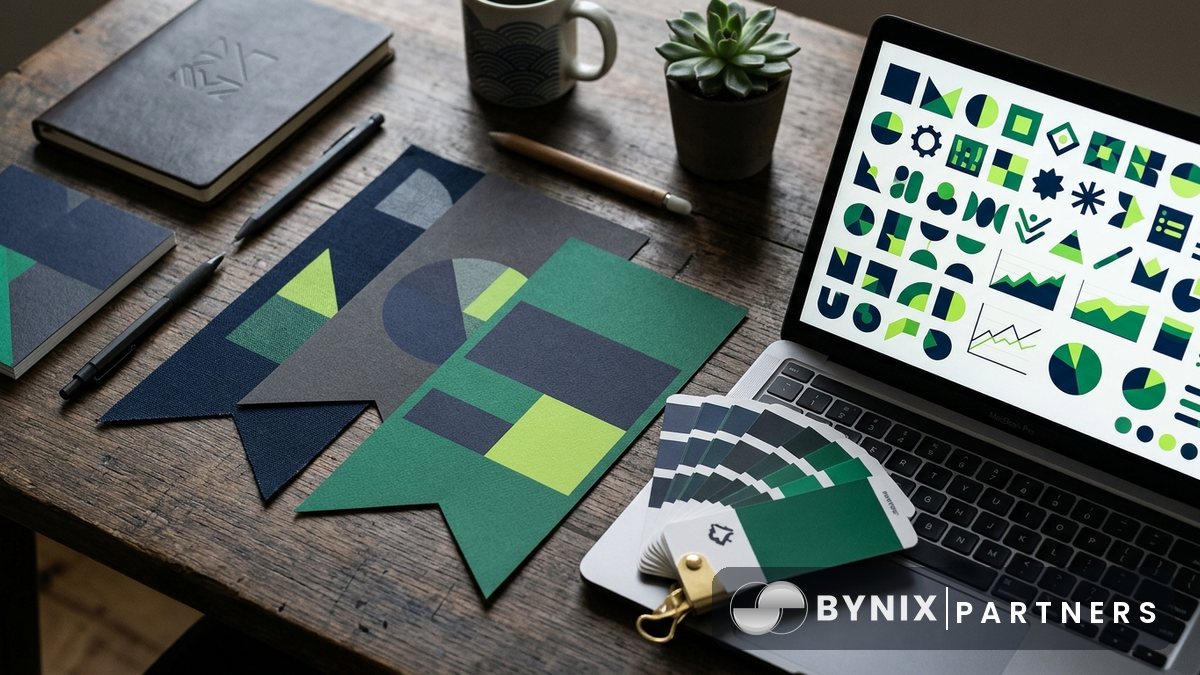
Good promo materials save time, keep your campaigns consistent and reduce avoidable compliance issues. If you are running traffic to Bynix, the goal is simple: use assets that are clear, accurate and easy to track, then match them to the audience and placement.
This guide covers where to find the Bynix brand kit, banners and landing pages, how to use them properly, and when to ask your manager for a custom creative. It is written for affiliates, creators and media buyers who want practical standards rather than guesswork.
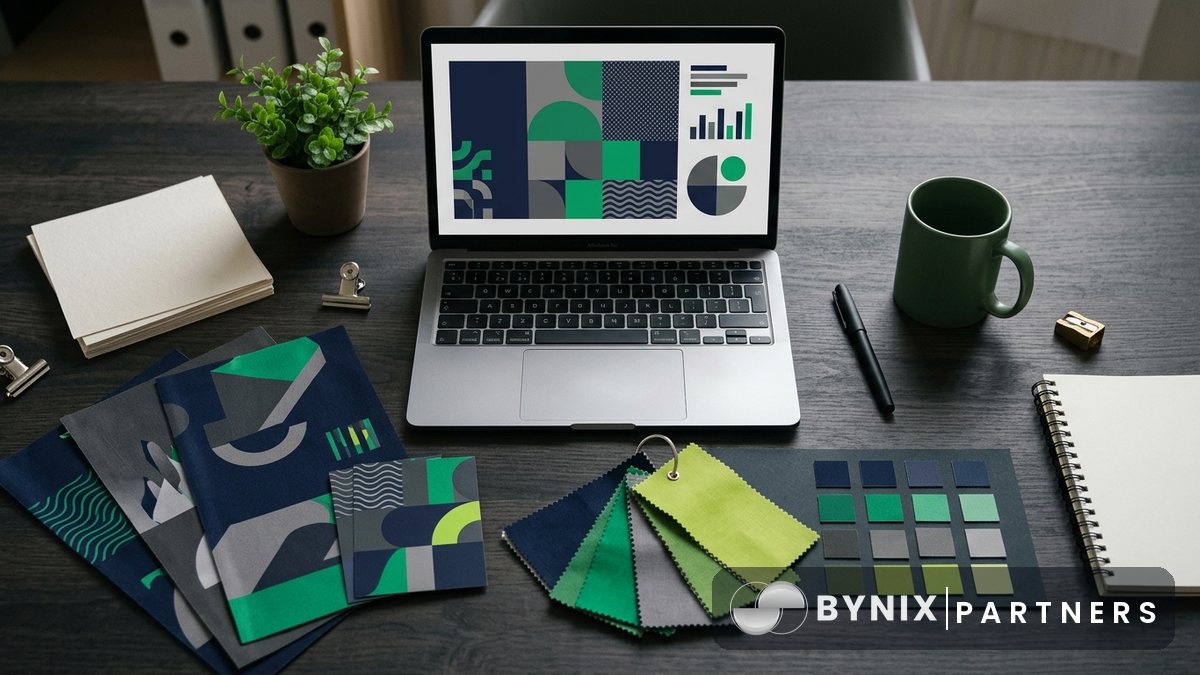
Where to find promo materials
Most of what you need starts in the affiliate dashboard. After you join, you can create unlimited links in Dashboard › Links, add sub-IDs in the campaign field, and keep each traffic source separated for reporting.
Use the dashboard as your main source for live tracking and link management. You can then review clicks, registrations, FTDs, deposits, volume and commission in real time by day, link or trader.
The two most useful places to begin are:
- Register if you have not opened a partner account yet
- Dashboard for links, tracking and partner tools
If you are building educational content around the product, the Academy is also useful for platform explainers, glossary terms and trading basics you can reference.
Using the brand kit properly
A brand kit is there to keep your promotions recognisable and compliant. That means using the official logo, colours and wording as provided, rather than recreating them yourself.
Follow these basic rules:
- Use the official Bynix logo files only
- Keep the logo proportionate; do not stretch, crop or redraw it
- Leave enough clear space around the logo so it remains readable
- Do not place the logo on cluttered backgrounds that make it hard to see
- Do not imply you are the official Bynix brand account if you are an affiliate
This matters because poor logo use can make an ad look untrustworthy, and impersonation is not allowed. The same applies to copy. Keep claims factual and product-led:
- Mention platform features that exist
- Do not promise guaranteed profits
- Do not present trading as risk-free
- Do not target minors or restricted countries
- Do not run traffic from the US, which is not accepted
A simple rule is to write like a reviewer or publisher, not like customer support for the platform itself.
Choosing the right banners
Banners still work well when the placement and message fit the intent of the visitor. The key is not to use one banner everywhere. Match the creative to the channel.
For example:
- Content websites usually suit cleaner, informational banners
- Social placements often need a simpler message and stronger visual contrast
- Messaging app or community traffic may respond better to compact formats with one clear action
- Retargeting usually benefits from a landing page angle that continues the original message
Before scaling, test a few versions against the same audience. Use separate tracking links with sub-IDs so you can compare placements, banner variants and hooks without confusion.
Good banner practice:
- Keep one main message per banner
- Make the call to action obvious
- Use readable font sizes
- Avoid overloading the image with technical terms
- Check how the creative looks on mobile first
If a banner is getting clicks but few registrations, the problem may be the landing page match rather than the banner itself.
Picking the right landing page
Landing pages should continue the promise of the ad. If the creative leads with speed or ease of access, the landing page should support that with accurate platform information, not switch suddenly to a different angle.
Bynix is often promoted successfully with practical trader-side points such as:
- Quick Trading with expiries from 5 seconds to 5 minutes
- A demo account for people who want to try the platform first
- Deposits from about $10 in supported markets
- Local payment methods including UPI, Pix, M-Pesa, JazzCash, Easypaisa, bKash, Nagad, bank transfer, OPay and USDT
Use these points carefully and only where relevant to the audience. A payments-led angle can work well in local campaigns, while a platform-demo angle may work better for educational traffic.
Tracking is straightforward:
- Create a dedicated link in the dashboard for each landing page or angle
- Add a campaign sub-ID for the traffic source, placement or creator
- Watch registrations and FTDs in real time
- Keep the winner and replace weak variants
Because attribution is first touch wins with a 30-day cookie and lifetime attribution, clean link structure matters from day one.
When to ask for custom creatives
Sometimes standard assets are enough. Sometimes they are not. If you are buying traffic at scale, running localised campaigns or need a format designed around a specific placement, custom creatives can be worth requesting through your manager.
Ask for help when:
- You need local-language versions
- You want creatives matched to a proven landing page angle
- You need a size or layout that is missing from the standard set
- Your publisher has strict format requirements
- You want a consistent pack for multiple creators or pages
When you request a custom asset, be specific:
- Traffic source
- Geo
- Audience type
- Placement size
- Main angle
- Example of what has already worked or failed
The clearer the brief, the faster the creative can be aligned to your campaign.
Compliance checks before you launch
Promo materials should make campaigns easier to approve, not harder. Before launching anything, run a quick compliance pass.
Check that you are not:
- Bidding on the brand term "Bynix"
- Impersonating the company
- Promising guaranteed returns
- Incentivising sign-ups
- Spamming
- Cookie stuffing
- Targeting minors or restricted countries
Also check your tracking setup. If you use external trackers, postbacks are available in Links › Postbacks with macros including {click_id}, {sub}, {amount} and {event}. That makes it easier to reconcile platform events with your own reporting.
Build a simple asset workflow
The best partners do not treat creatives as one-off files. They build a repeatable workflow.
A practical setup looks like this:
- One folder for approved logos and brand assets
- One folder for current banners by geo and placement
- One naming system for landing page angles
- One sub-ID structure for every source and test
- One weekly review of clicks, registrations and FTDs
That keeps your campaigns organised and makes scaling much easier when you find a profitable route.
Next step
Open the Dashboard to set up tracked links and organise your promo materials, or use the Academy to sharpen your content angles.
Risk warning: trading involves significant risk; partners must never promise profits.